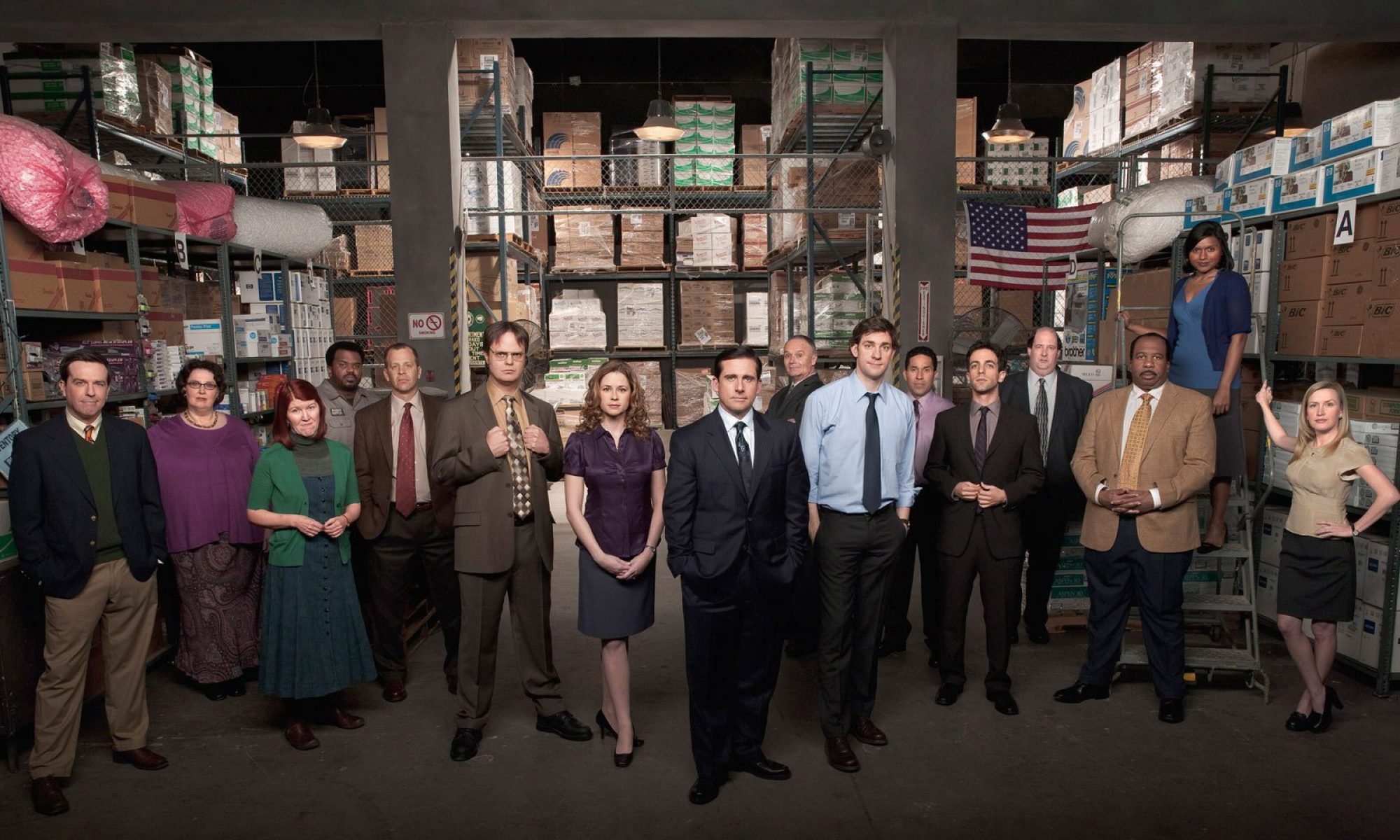
Looks like we get some extra minutes of Office goodness for the next few weeks.
My contacts at NBC have confirmed that the next three episodes, Night Out, Did I Stutter? and Job Fair, will run a minute or two over its normal air time. (My TiVo programming guide states The Office will run from 9pm to 9:32pm).
Tallyheads, adjust your TV recording devices accordingly!
Apparently, last week’s episode, Chair Model, also ran long, and my TiVo got confused and didn’t record the tag (the final scene at the cemetery). Grrr.
Thanks so much for the warning! I missed the tag last week, too. It’s nice to know it won’t happen again.
My silly DVR was *also* confused. Thanks for da heads up Tanster!
Yeah, I missed the tag too ):
Does anyone know how to adjust the time settings for DVR (I am Comcast..)
… I mean, I *have* Comcast. Lol.
3 | Sara in Philly
Just go do “edit this recording” or something similar and it should say “end time” then you can specify how many minutes over you’d like it to record!
Yeah, I was confused last week because for me, there was no cold open, but they showed the cemetary scene twice, back to back.
I was out of town and luckily my DVR caught the tag.
I also missed the tag last week. Thanks for telling us!
Even if it’s only a minute or two…there’s always room for a little more Office!
I just record all of the shows on NBC Thursday. I saw the tag on my Scrubs recording….
My tivo cut it off too! Oh boy, gotta rememeber to change these settings…. and Yay for extra minutes!
Thanks for the heads up! My Tivo cut off part of the cemetary scene even with an extra minute added! I recommend adding 5 or more minutes, just in case.
Yippee! And thanks for the head’s up. I always set my VCR and DVR (I use both – geek!) to start recording a few minutes before 9 and end a few minutes after, so luckily I haven’t missed anything yet.
On top of the extra minutes, they also played the short credits in the beginning. They’re squeezing every bit of OFFICE possible into that half hour.
KEEP IT COMING NBC!!!
Thanks for advance notice! Now let’s all pray to Thor that the weather doesn’t interfere with our satellite connections!
Fortunately, the tag showed up at the beginning of Scrubs on my DVR (although I now have to save Scrubs until the Season 4 DVD comes out). Sara in Philly, I have Comcast, too (I’m in NJ). If you figure out how to adjust the time, please add a comment. I’m technologically challenged.
Thanks for the heads up! Will try to fix that on my DVR!
I’ve noticed that this bumps 30 Rock over a minute or two, interfering with Lost. Curse you, NBC! Why must you mess with me like this? Just pick a half hour slot and stick to it! (put bonus scenes online, duh!)
Yeah, same thing happened to me.. thanks for the head up!
Yeah, I noticed the longer episodes too. I think Dinner Party should have run past too! I kept the DVR running, but it was just credits. Grr…
Hi Comcast customers! When you schedule a recording using your DVR there is an option to control how many minutes early or late a recording goes. Hit MY DVR, then go to series priority (since you probably have The Office scheduled already). Find The Office and hit OK. Then hit the wrench icon – this is where you can modify the recordings. Hit the wrench again to view all settings. The last two options are where you can set how early and late you want your recording to go. The Comcast menu shows the office going until 9:31, but I set mine to record 4 minutes late, just in case. :)
Good thing I set my DVR for a couple minutes later, I caught it too! Thanks for the update though, I will program my DVR accordingly for the next episodes!
Thank you, Kerri! I, too, missed part of the cemetery scene last week.
I always have The Office set to record a few minutes long. Don’t wanna miss a thing!
Thanks for the heads up! I need every minute of my Office!
Weird. I missed the first minute or two.. Mine runs 7:58 – 8:03p.
Yeah, I’m a klumsy typist. I meant 8:33p.
I have it permanently set to record an extra 5 minutes every episode.. I learned my lesson from season 3 haha
The Office is 1st priority on my Dish dvr, and I always have it start 2 minutes early and end 5 minutes late. But with this information…I’m not taking any chances…I’m changing it to 7 minutes late!
Guess taping by VCR comes in handy! No worries over timing it perfectly. Man, I remember taping LOST on a set time, and it went over about 5 minutes. With that show, missing a little bit can have terrible consequences… haha :)
It’s really nice of them to tell us about it beforehand.
I always program my DVR to start 1 minute before and end 1 minute after on regular Office airings, as a CYA. :D
Now i’ll make it till 9:33pm or even 9:34pm just to make sure! Thanks OT
Ahh I know! I was so disappointed that I missed out on the last few seconds of Michael’s horrific rendition of “American Pie”. From what I did see though, he was really getting ready to belt it out….
Kerri – Thanks so much. Very helpful.